Blog devupdate

New Release – Infinite Studio 4.1.2 (on Linux!)

November 17, 2025

New Release – Infinite Studio 4.2.0

April 2, 2026

What’s New

This release contains a number of new features, improvements and general bug fixes.

  • New Curved Earth model

  • New Volumetric Clouds Placement Tool

  • New rendering of Direct View Lights

  • New AVI Image File Writer

  • New Runtime Licensing

  • Improvements to Floating License & Offline License Activations

  • Fixes for a number of crashes for Street Map, Thermal Modelling, Runtime Actor Spawning & Night Sky.


Major Features

Curved Earth (Experimental)

We are excited to launch Curved Earth, a new spherical Earth model based on the WGS84 reference ellipsoid, essential for simulation tools operating over large geographic areas. With a powerful tile‑based rendering system, Curved Earth delivers smooth, scalable visuals from global views to ground‑level detail. The Curved Earth is currently an experimental feature.

Choose the rendering style that fits your experience:

  • OpenStreetMap Mode (Default): Data‑driven land‑use rendering using OSM for clean, informative visuals.

  • Blue Marble Mode: Natural‑looking Satellite textures using NASA’s Blue Marble imagery for surface rendering.

Curved Earth 3

Curved Earth MWIR 1

Volumetric Clouds Placement Tool

Users can now interact with the cloud placement system and control parameters of the custom cloud volumes. The Volumetric Cloud Placement Actor will allow the creation and management of custom volumetric cloud regions within Infinite Studio 4.2.

CloudPlacement Tool 2 20260122 040109

Direct View Lights

We are introducing a breakthrough upgrade that enables our camera actors to capture radiance directly from light sources – not just the light reflected off surrounding objects. This leap delivers clearer, more accurate perception in challenging lighting environments.

Our enhanced imaging now detects:

  • Point Sources
    Spherical emitters like LEDs or distant lamps, captured with true intensity.

  • Spotlights
    Streetlights, vehicle headlights, and other directional beams, preserved with their natural cone-shaped intensity profiles.

  • Laser Sources
    Highly focused beams with Gaussian profiles, captured with exceptional precision.

This capability dramatically improves visibility, reliability, and environmental understanding – especially in low light, high contrast, and illumination-heavy scenarios.

DirectViewLights 01

New AVI image file writer

We’ve expanded our Spec Writer line up – previously limited to BIN, PNG, and FITS – by adding full support for AVI Image File Writer. This new option lets you record simulations as smooth, shareable video files, making it easier to showcase results and walk through scenarios in visual format.

With AVI support, sharing your simulation story just became a whole lot simpler- and far more engaging.

Runtime Licensing

We are introducing a new runtime licensing system for deployed applications built on Infinite Studio. This system will permit end-user to execute (run) a packaged application via a runtime license key. For further information on runtime licensing please contact the support team.


Bug Fixes & Improvements

  • Floating & Offline Licenses – This release includes key enhancements to ensure smoother, more reliable license activation. We resolved an issue where floating license activations incorrectly set the end date to the activation date. Floating licenses now register correctly on activation. Additionally, offline license keys no longer trigger unnecessary online validation checks, eliminating activation errors for users working in offline environments.

  • Street Map – We fixed a crash that occurred when extremely large landscape sizes were used during the build process. The system now checks the total landscape size before initializing the elevation sampler – preventing long delays and unexpected failures. If the requested Size value is too large, the task now stops immediately and provides clear guidance on how to reduce the landscape dimensions for a successful build.

  • Thermal Modelling – We’ve improved the reliability of the Thermal Modelling system by adding full support for scenarios where the SpecAtmosphereActor has no assigned atmosphere. Clearing the Atmosphere field no longer causes unexpected crashes.

  • Spawning Actor – We’ve resolved an intermittent issue in the SpecMaterialComponent that could cause errors when spawning actors in a level. By adding more reliable checks to the component’s internal primitive caches, we’ve strengthened the system’s stability.

  • Night Sky – We’ve resolved a crash that occurred when configuring GPS and UTC time in the Night Sky plugin via Blueprints without an initial delay. This fix ensures creators can drop Night Sky‑based actors into their scenes and configure them, resulting in more stable night‑time rendering workflow.

Radiometry

  • Infinite Studio has multiple custom nodes that have been programmed to allow the integration of spectral material parameters, including emissivity and reflectivity, into Unreal Engine’s physically based rendering material system

  • Users can create materials by supplying measured spectral diffuse and specular reflectivity, emissivity, and transmission data, or by defining a spectral directional-hemispherical reflectance curve.

  • In addition, Infinite Studio provides acess to spectral material databases such as NASA JPL’s ECOsystem Spaceborne Thermal Radiometer Experiment on Space Station (ECOSTRESS) Spectral Library, and the Advanced Spaceborne Thermal Emission Reflection Radiometer (ASTER) Spectral Library
  • Infinite Studio currently supports MODTRAN for verified high-fidelity atmospheric calculations

  • The following data is imported from MODTRAN and processed to in-band values:
    • - Atmospheric transmission based on absorption and scatter
    • - Thermal radiance
    • - Solar and lunar irradiance for applying sun and moon directional light source intensities
    • - Ambient sky lighting (global illumination)
  • Fully Volumetric Cloud modelling using MODTRAN to obtain transmission and path radiance values across cloud density

  • Clouds are compatible with all lighting and transmissive effects, including shadows on the ground and cloud reflections.

  • Highly customisable with options for weather effects, noise maps, coverage levels, altitude, wind speed, and many more parameters

  • Ability to add individual cloud volumes and control placement, as well as an overall bulk layer property
  • Ability to pre-calculate higher fidelity surface temperatures for static background objects

  • In-band thermal emissions are evaluated by spectral integration

  • Grey body and selective radiators are implemented using spectral emissivity data

  • Custom spectral emission curves can be imported for non-blackbody emitters
  • Camera and Sensor Modelling

    Stages of the In-Band Rendering Equation Solver:

  • Render Radiance Image: Detector Spectral Response, Resolution
  • Radiance to Photons conversion: Pixel Pitch, F-Stop, Shutter Speed, Lens Transmission
  • Photons to Electrons conversion: Quantum Efficiency, Full Well Capacity
  • Electrons to Counts: ADC Gain & Offset, ADC Bit Depth
  • At each stage of rendering, applicable noise sources are simulated and can be customised:

  • Dark Shot Noise: Dark current flows even when no photons are incident on the camera
  • Read Noise: Electronic Signal Noise resulting from sensor design
  • Photon Shot Noise: Statistical noise associated with the arrival of photons at the pixels
  • Fixed Pattern Noise: Caused by spatial non-uniformities of the pixels
  • Aliasing occurs when the rasterization process during rendering of a scene does not apply enough samples to a target resulting in scintillation artefacts

  • Long range targets subtending few pixels could wildly vary in intensity as sample points hit and miss the target all together

  • Zoom anti-aliasing is effectively rendering a part of the sensor image, a window, at a much higher resolution and averaging the image down to the original resolution, resulting in a more accurate distribution of energy

  • The advantage of this approach is that anti-aliasing can be adaptively applied to parts of the scene where it is needed optimizing performance by not applying it where it is not
  • External Control

    Available in C++, Python, and Java, the External Control API supports full control of the simulation, via TCP/IP, including commands to::

  • Simulation Control (Begin, End, Propagate)
  • Querying available assets by path, or type
  • Open and Load levels
  • Spawn, move & destroy actor assets
  • Camera and sensor setting modification
  • Environmental control (atmosphere, wind, clouds & ocean) and
  • Custom message types

    Infinite Studio provides multiple example scripts, demonstrating the most commonly used features.
  • Trajectory: Trajectory Spline Actor provides actor scripted 6-DOF motion via time referenced dynamic state data.

  • Recording Tools: Record actor and sensor image data, for single or multi-runs, useful for post run analysis in third-party tools.

  • Waypoints: An experimental waypoint capability has been added for air, land & maritime platforms and includes infantry soldiers. Waypoints can be imported from CSV files, manually entered or added at runtime. Users can specify many options covering waypoint actions, including initial speed, speed between points, and end of course behaviour.
  • Target Labelling: Rendering of scenes with target pixel (stencil) labelling for training of neural networks, machine learning or data analytics tasks

  • Loop Controller: Orbits a camera about a given target at varying ranges writing captured image data to file. Customisable loop control for changing additional scene features; such as the environment (atmosphere, time of day, sea sate, etc.)
  • Machine Learning Stencil offMachine Learning Stencil on

    Maritime-Based Physics

  • Emissions: Based on Planck’s blackbody radiation equation for a specified ocean temperature

  • Reflections: Reflectance varies directionally according to the Fresnel Law of reflection

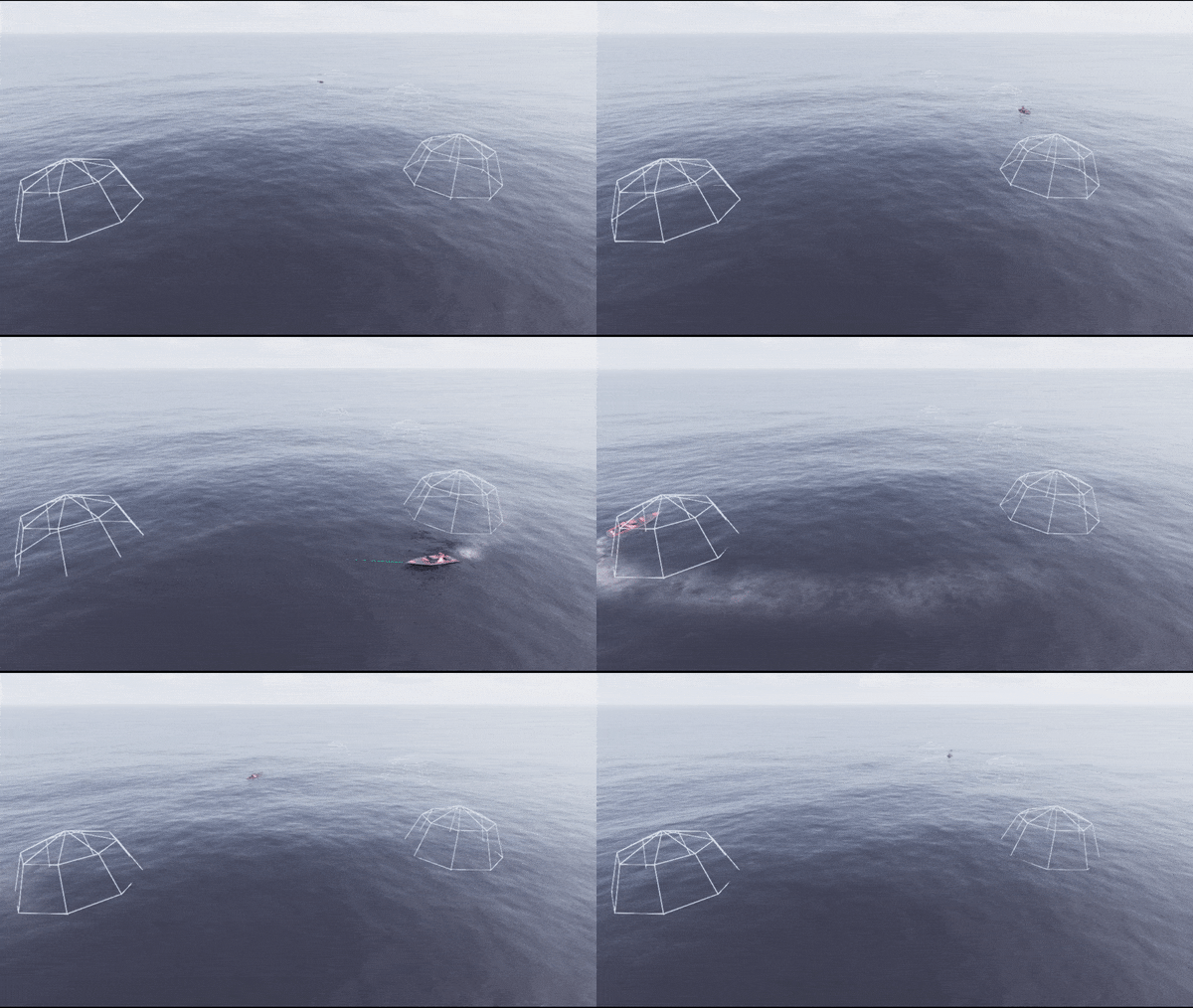
  • Transmittance: Optional transparent material applies translucent fogging to submerged objects based on depth/view angle
  • Fully customisable FFT based wave spectrum model of time-varying ocean height fields

    Wave height and chop driven by real world parameters, e.g:
  • Wind speed and direction
  • Ocean depth
  • Fetch length

    Additional user customisation possible, ranging from simple amplitude/property scaling through to complete user-generated wave spectrum
  • Buoyant Forces: Surface Platforms use a finite element solution to calculate buoyancy and wave motion. Forces are then consolidated to the object’s centre of buoyancy, and corresponding moments are generated to affect the platform’s motion

  • Energy Conservation/Momentum Collisions: Each element approximates the change in energy due to the collision between the object surface and the fluid element

  • Limitations: Currently the buoyancy model only imparts forces from the fluid to the object (the high fidelity wakes model generates coupled surface wave motion)
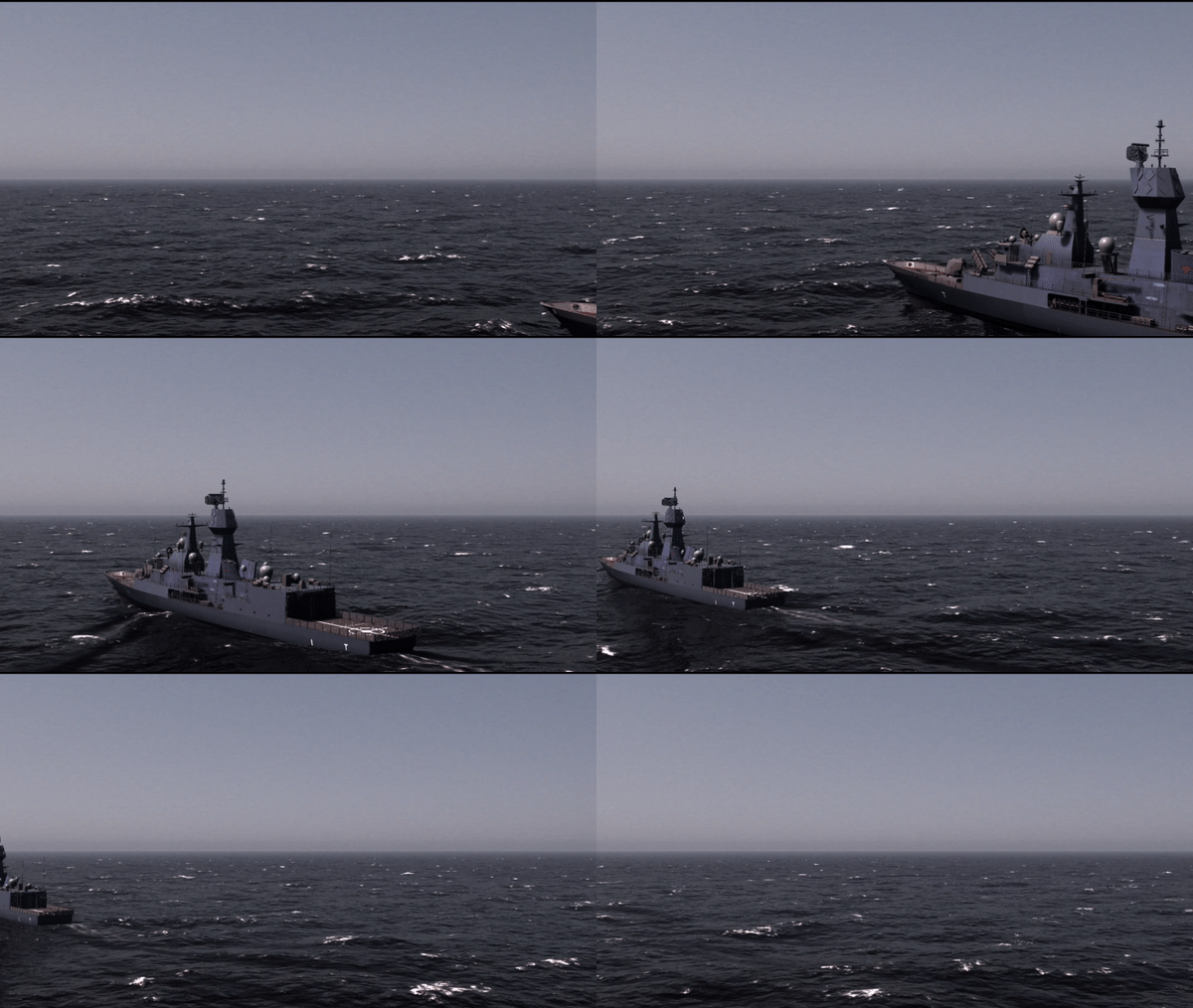
  • High Fidelity Wakes: An experimental high-fidelity volume displaced wake implementation

  • High Performance Wakes: A high performance turbulent (foam) and kelvin wake implementation, allowing hundreds of wakes rendered on screen for real-time solutions
  • Additional Content and Features

    As well as demo maps, Infinite Studio provides you with the toolset to create your own real world landscapes

  • Street Map Importer: New real word scenes have been developed, with buildings, roads, railways, vegetation as imported from OpenStreetMap and terrain height data from the Registry of Open Data on AWS Global Dataset. You can also create and import your own custom height sampler

  • Real World Maps: Urban, rural, forests, grasslands, deserts, mountains, littoral and open ocean scenes can be quickly and accurately generated using Infinite Studio
  • Infinite Studio can provide the tools to create and edit your own assets, in addition to a library of Unrestricted Assets.

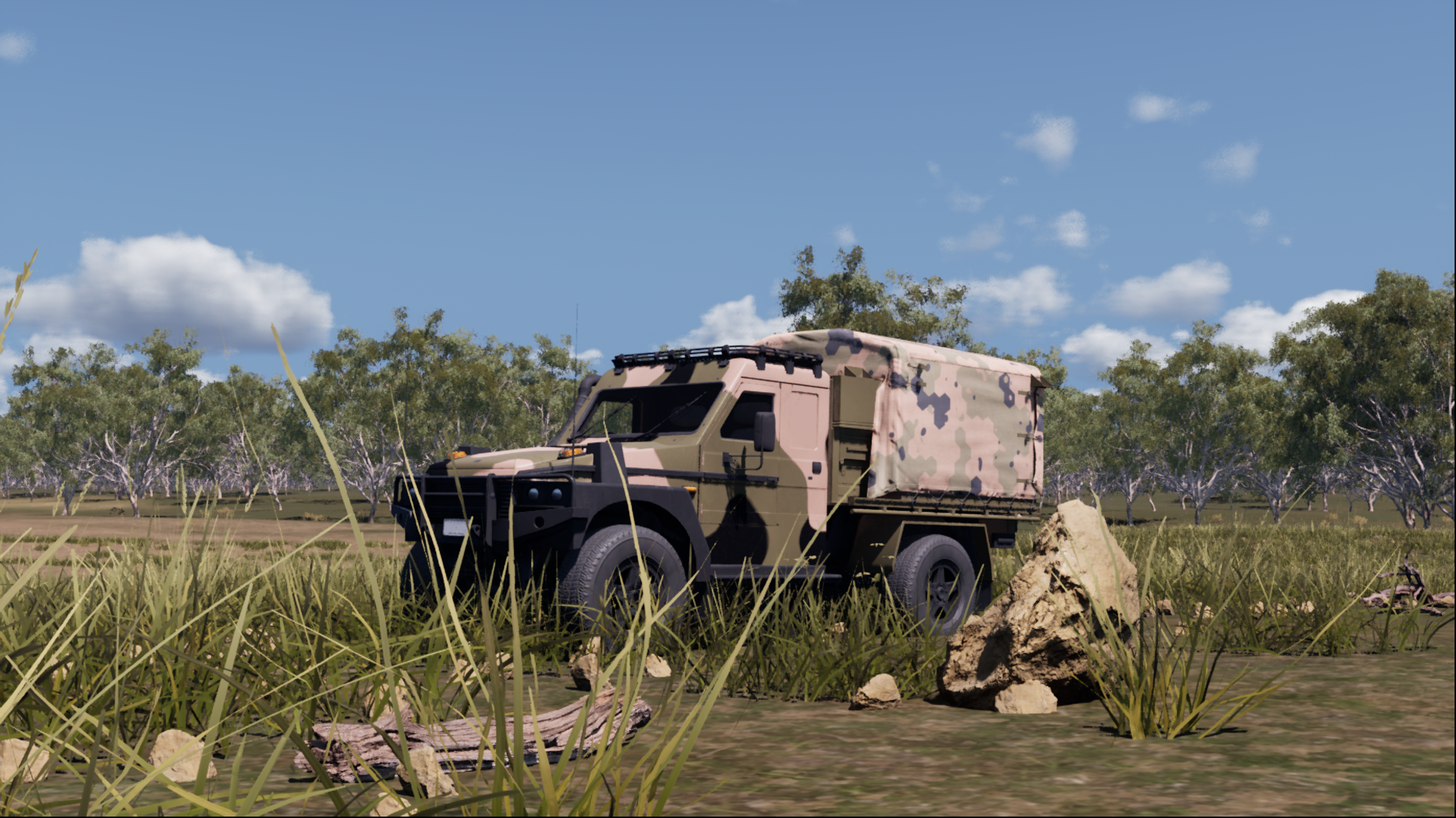
  • 3D model library of aircraft, ships, vehicles, weapons, people, infrastructure & nature assets pre-configured with multispectral materials

    Learn more on the Content page:
  • Multi-player networked scenario management for human-in-the-loop real-time simulations
  • Island Locale

    Rural Locale

    Urban Locale

    Curved Earth

    The Curved Earth Plugin implements a spherical Earth model based on the WGS84 reference ellipsoid and provides accurate projections for applications that require precise Earth curvature modelling.

    Two modes of operation are supported:
  • OpenStreetMap mode – applies materials to land-use areas defined by OSM data.
  • Blue Marble mode – uses NASA’s Blue Marble satellite textures for surface rendering.

    This approach ensures optimised performance and scalable rendering of the spherical Earth model across different zoom levels and viewing angles.
  • Asset Packs

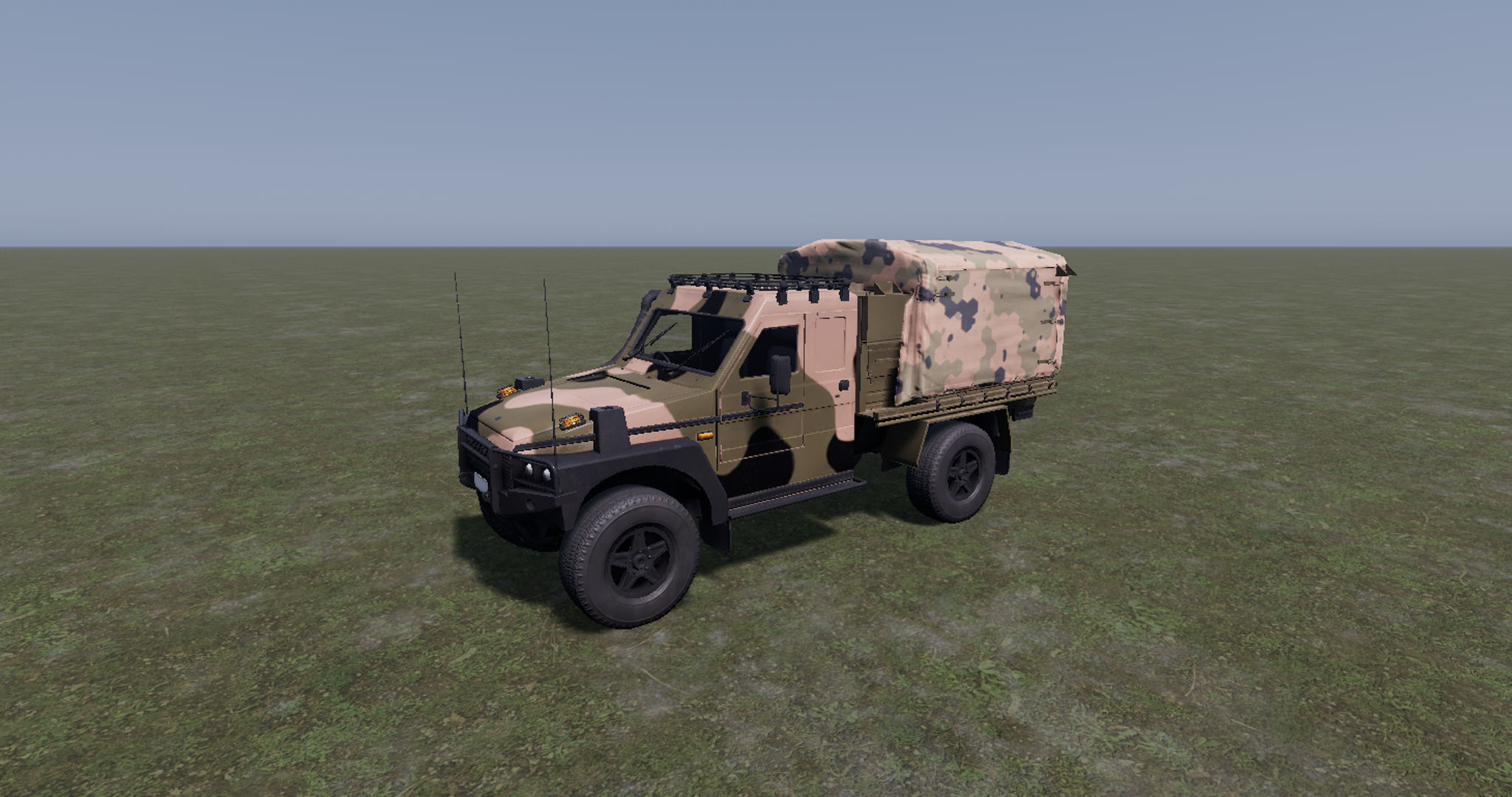
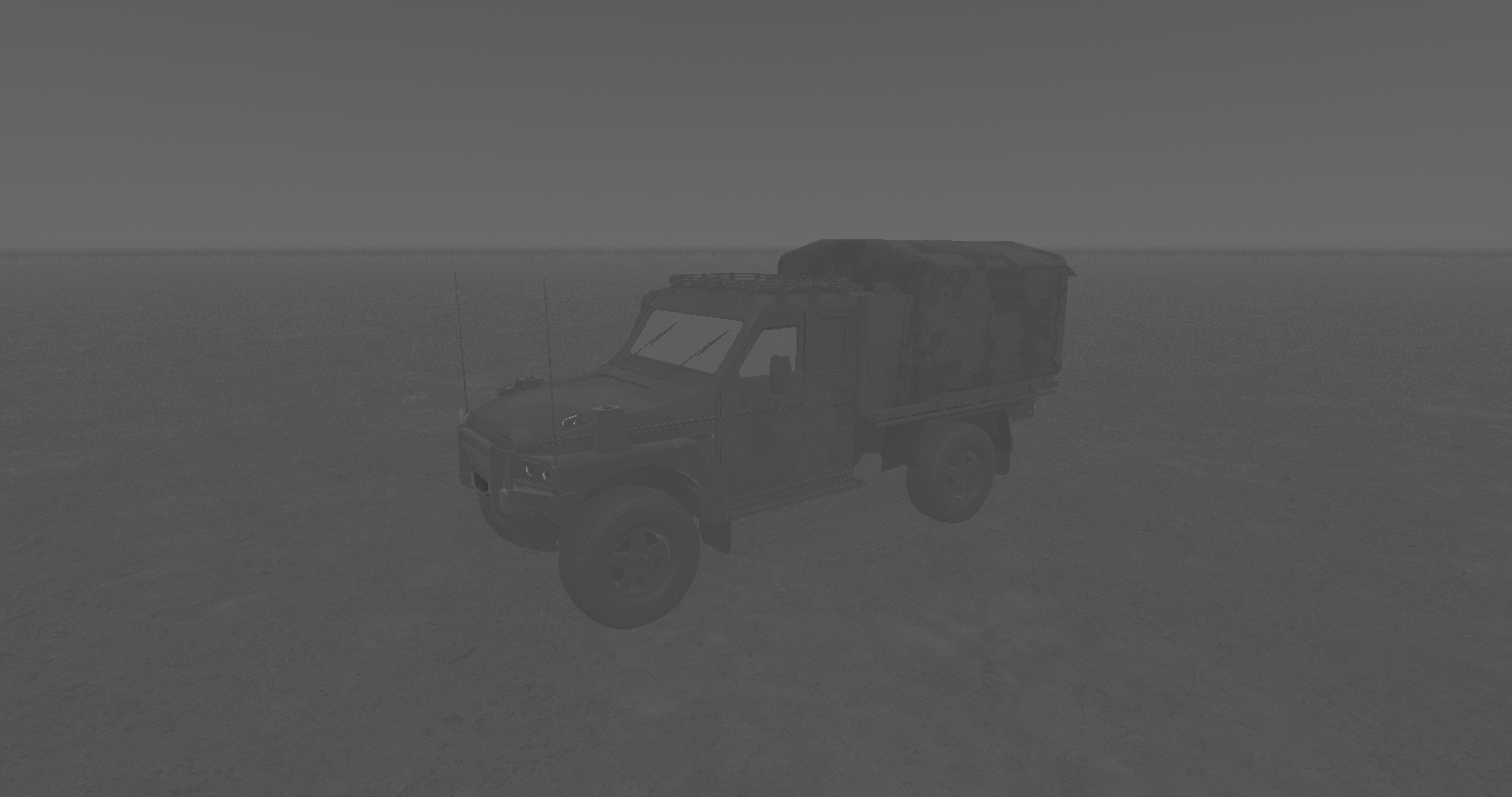
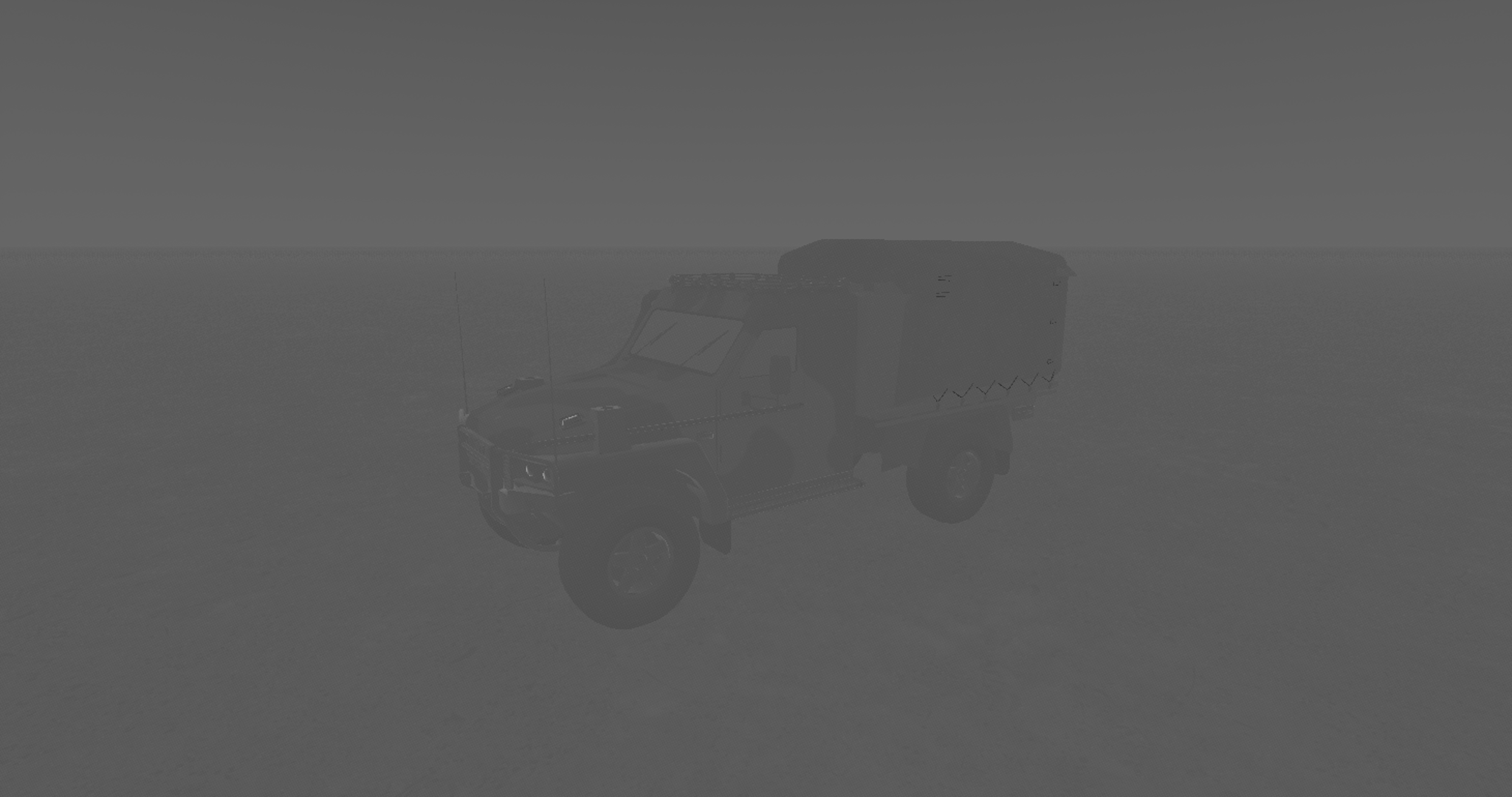
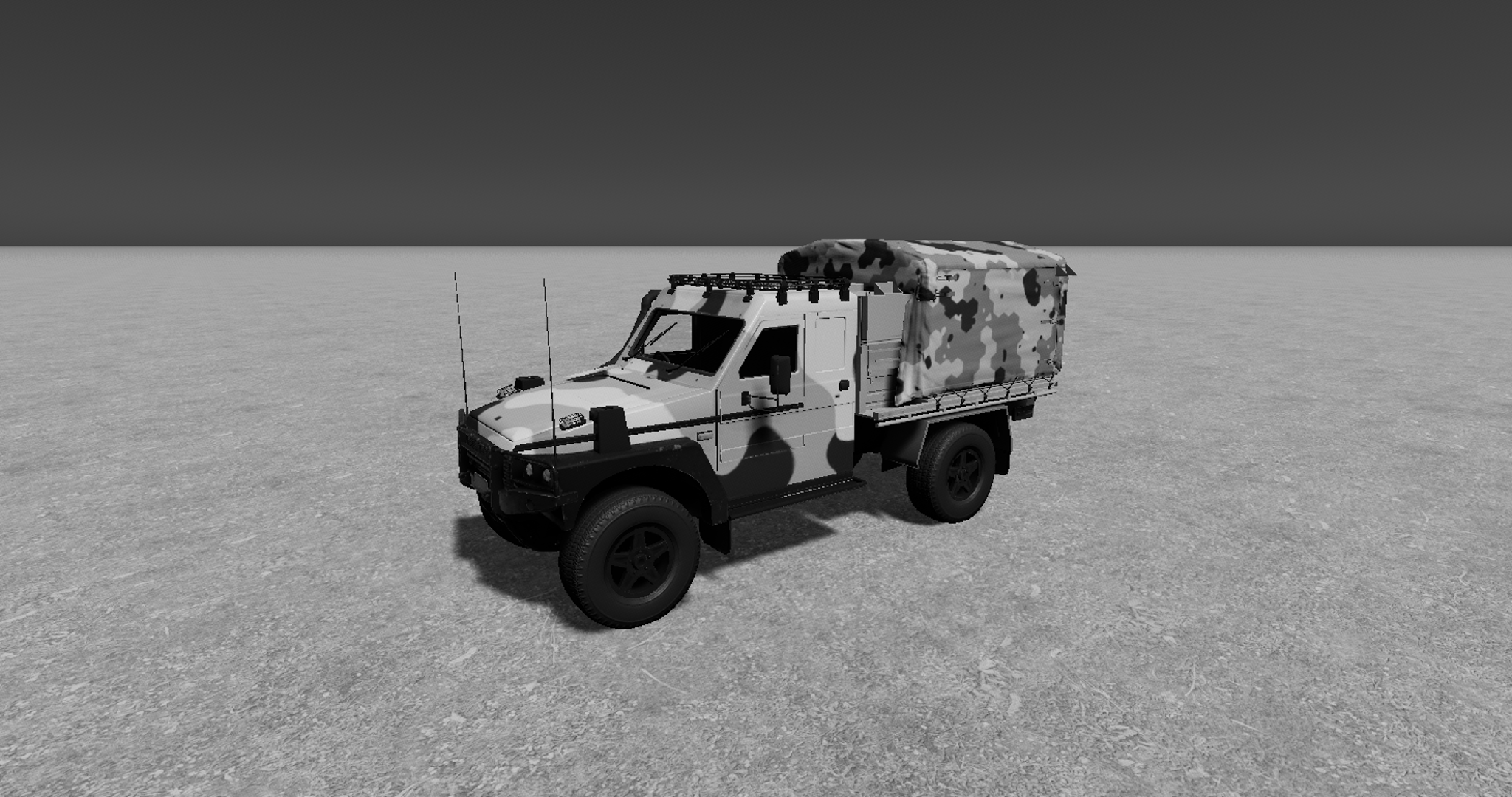
    For more video turntables of our 3D assets, click on the buttons:

    Night Sky

    BibLaTeX

    @online{Paschotta_2012_hollow_core_fibers,
    author = {Paschotta, R.},
    title = {Hollow-core Fibers},
    year = {2012},
    organization = {RP Photonics AG},
    journaltitle = {RP Photonics Encyclopedia},
    url = {https://www.rp-photonics.com/hollow_core_fibers.html},
    urldate = {2026-05-06},
    doi = {10.61835/x34},
    abstract = {Hollow-core fibers have a hole on the fiber axis, achieving optical guidance with photonic bandgap effects.},
    keywords = {hollow-core fibers}
    }