New Clouds, Thermal Modelling, Moon, and Drive Train
This release contains a number of new features, improvements and general bug fixes.
Updated Atmospheric Modelling
The Atmosphere Model has been updated to support clouds:
New cloud, wind & lunar configurations have been added.
New aerosol layers have been added; boundary, tropospheric & stratospheric.
As the Atmosphere Model has been completely revamped any old atmosphere objects will need to be regenerated (see How to Create an Atmosphere in our User Guide).
New Environmental Modelling
New cloud, wind and lunar models have been integrated into the atmosphere.
Cloud model:
Clouds weather & coverage maps.
Include lighting, shadows and reflection properties.
Generated from underlying MODTRAN data.
A screengrab of the Cloud Coverage being manipulated in the Infinite Studio editor.
Impacts clouds, ocean (affects wave height) and other engine effects (e.g. smoke, plumes, etc.).
A snippet of Spec Wind Altitude Model settings
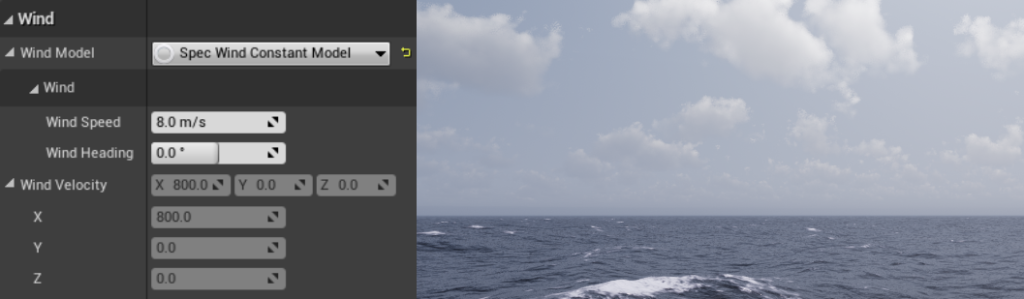
A snippet of Spec Wind Constant Model settings
Lunar model:
Lunar radiant light source using MODTRAN data.
Lunar phases included.
Representative lunar mesh & texture.
A screenshot of the Spec Moon Light Actor in Infinite Studio
New Thermal Modelling (experimental)
A new experimental feature for the generation of thermal temperature maps for static mesh and landscape objects.
The new Spec Thermal Model Actor computes static mesh and landscape temperatures, using given spec material properties, updating the material expressions so they produce the correct emission.
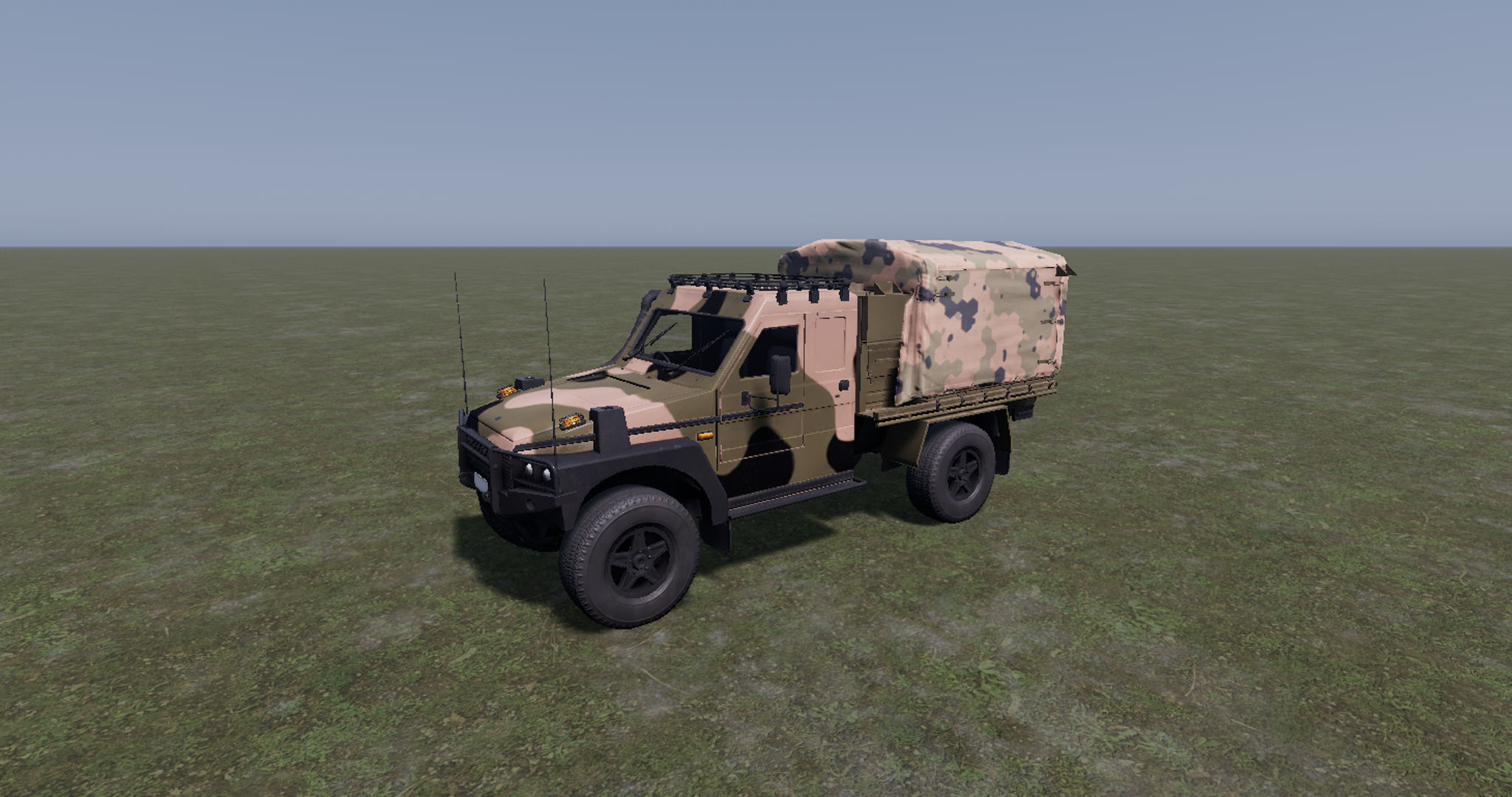
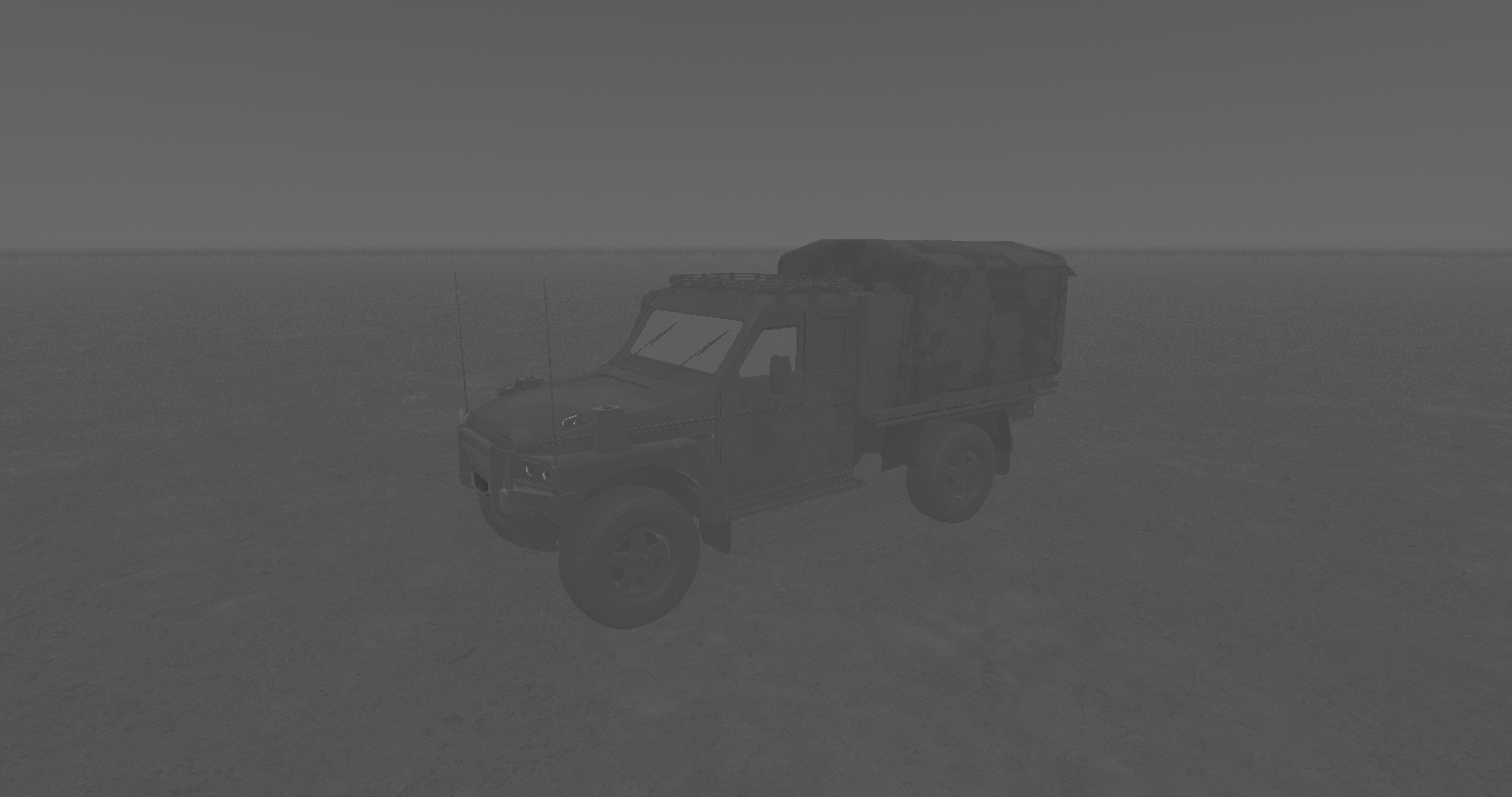
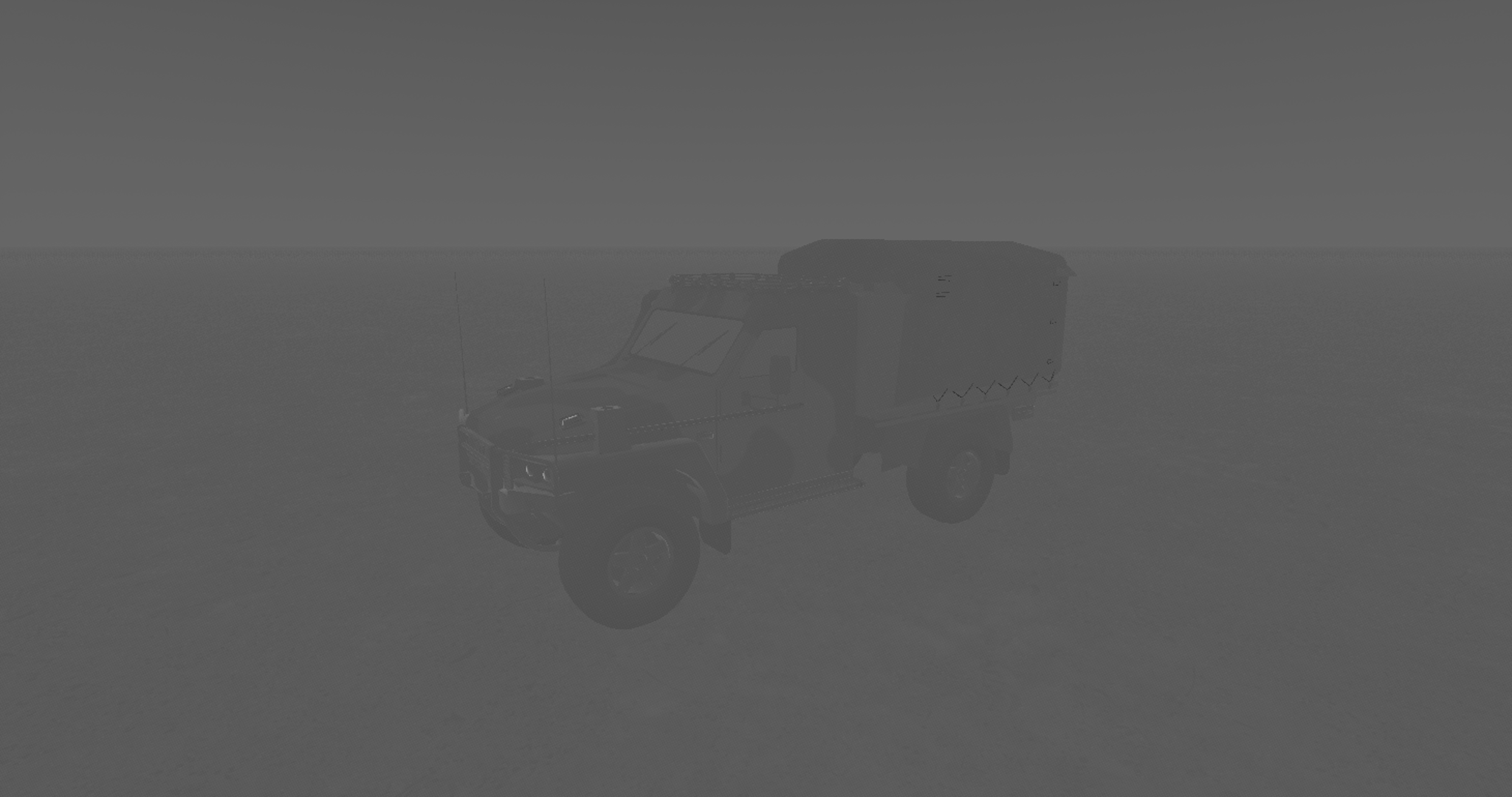
An image of the Thermal Modelling Demo Landscape in Infinite Studio
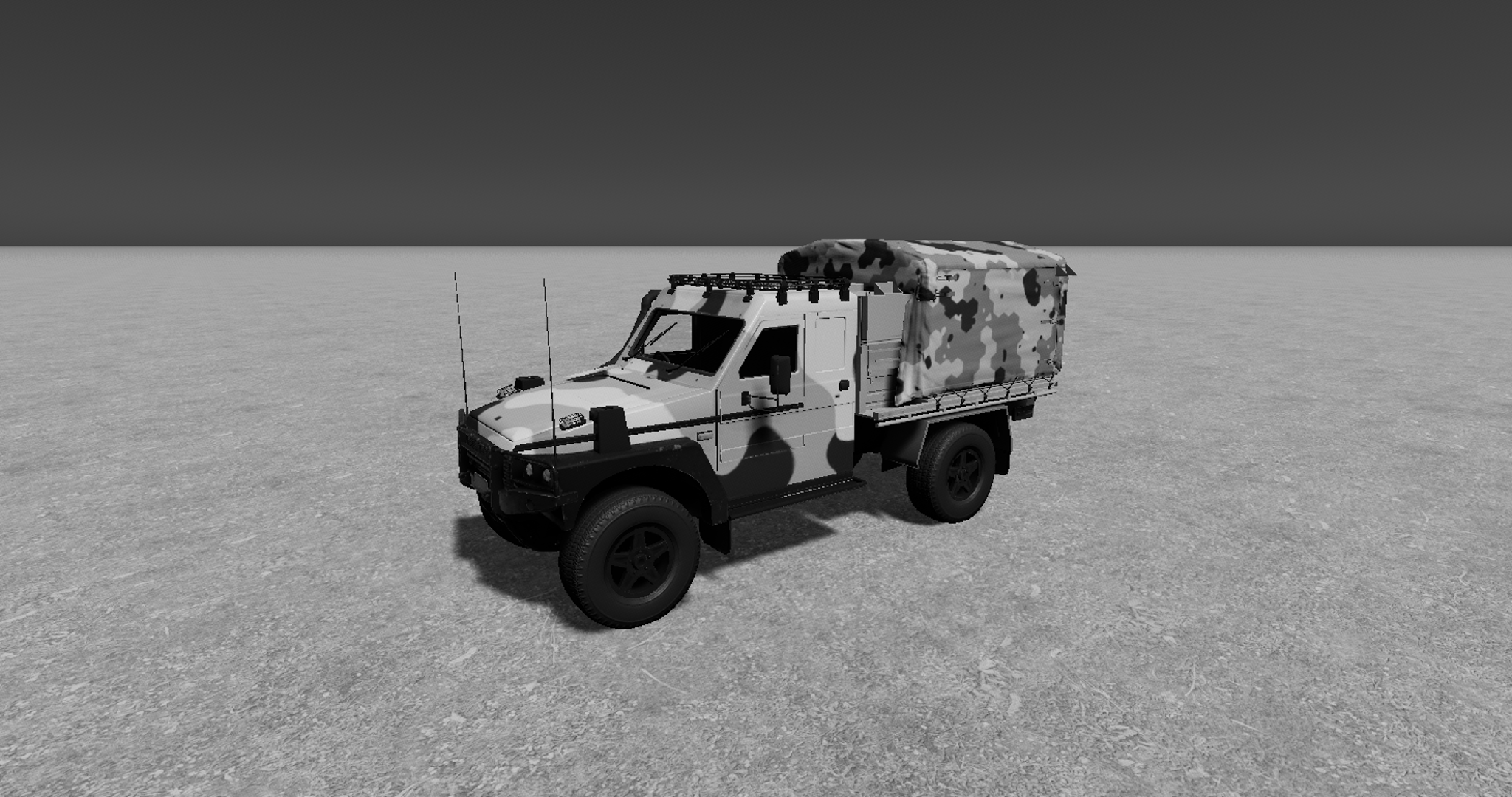
An image of the Thermal Modelling Demo Landscape in Infinite Studio after the Thermal Model has been calculated for the scene.
New Vehicle Modelling
A new Drive Train Controller Component has been created including new Drive Train Assets.
The old Drive Wheeled Vehicle has been marked deprecated, but it still exists within the engine for this release.
Infinite Studio has multiple custom nodes that have been programmed to allow the integration of spectral material parameters, including emissivity and reflectivity, into Unreal Engine’s physically based rendering material system
Users can create materials by supplying measured spectral diffuse and specular reflectivity, emissivity, and transmission data, or by defining a spectral directional-hemispherical reflectance curve.
In addition, Infinite Studio provides acess to spectral material databases such as NASA JPL’s ECOsystem Spaceborne Thermal Radiometer Experiment on Space Station (ECOSTRESS) Spectral Library, and the Advanced Spaceborne Thermal Emission Reflection Radiometer (ASTER) Spectral Library
Example reflectance curve of a Concrete material
Example of the Concrete material applied to an object
Infinite Studio currently supports MODTRAN for verified high-fidelity atmospheric calculations
The following data is imported from MODTRAN and processed to in-band values:
- Atmospheric transmission based on absorption and scatter
- Thermal radiance
- Solar and lunar irradiance for applying sun and moon directional light source intensities
- Ambient sky lighting (global illumination)
Fully Volumetric Cloud modelling using MODTRAN to obtain transmission and path radiance values across cloud density
Clouds are compatible with all lighting and transmissive effects, including shadows on the ground and cloud reflections.
Highly customisable with options for weather effects, noise maps, coverage levels, altitude, wind speed, and many more parameters
Ability to add individual cloud volumes and control placement, as well as an overall bulk layer property
Ability to pre-calculate higher fidelity surface temperatures for static background objects
In-band thermal emissions are evaluated by spectral integration
Grey body and selective radiators are implemented using spectral emissivity data
Custom spectral emission curves can be imported for non-blackbody emitters
Photons to Electrons conversion: Quantum Efficiency, Full Well Capacity
Electrons to Counts: ADC Gain & Offset, ADC Bit Depth
Visible
MWIR
LWIR
NIR
At each stage of rendering, applicable noise sources are simulated and can be customised:
Dark Shot Noise: Dark current flows even when no photons are incident on the camera
Read Noise: Electronic Signal Noise resulting from sensor design
Photon Shot Noise: Statistical noise associated with the arrival of photons at the pixels
Fixed Pattern Noise: Caused by spatial non-uniformities of the pixels
Visible
MWIR
LWIR
NIR
Aliasing occurs when the rasterization process during rendering of a scene does not apply enough samples to a target resulting in scintillation artefacts
Long range targets subtending few pixels could wildly vary in intensity as sample points hit and miss the target all together
Zoom anti-aliasing is effectively rendering a part of the sensor image, a window, at a much higher resolution and averaging the image down to the original resolution, resulting in a more accurate distribution of energy
The advantage of this approach is that anti-aliasing can be adaptively applied to parts of the scene where it is needed optimizing performance by not applying it where it is not
Available in C++, Python, and Java, the External Control API supports full control of the simulation, via TCP/IP, including commands to::
Simulation Control (Begin, End, Propagate)
Querying available assets by path, or type
Open and Load levels
Spawn, move & destroy actor assets
Camera and sensor setting modification
Environmental control (atmosphere, wind, clouds & ocean) and
Custom message types
Infinite Studio provides multiple example scripts, demonstrating the most commonly used features.
Trajectory: Trajectory Spline Actor provides actor scripted 6-DOF motion via time referenced dynamic state data.
Recording Tools: Record actor and sensor image data, for single or multi-runs, useful for post run analysis in third-party tools.
Waypoints: An experimental waypoint capability has been added for air, land & maritime platforms and includes infantry soldiers. Waypoints can be imported from CSV files, manually entered or added at runtime. Users can specify many options covering waypoint actions, including initial speed, speed between points, and end of course behaviour.
Target Labelling: Rendering of scenes with target pixel (stencil) labelling for training of neural networks, machine learning or data analytics tasks
Loop Controller: Orbits a camera about a given target at varying ranges writing captured image data to file. Customisable loop control for changing additional scene features; such as the environment (atmosphere, time of day, sea sate, etc.)
Emissions: Based on Planck’s blackbody radiation equation for a specified ocean temperature
Reflections: Reflectance varies directionally according to the Fresnel Law of reflection
Transmittance: Optional transparent material applies translucent fogging to submerged objects based on depth/view angle
Fully customisable FFT based wave spectrum model of time-varying ocean height fields
Wave height and chop driven by real world parameters, e.g:
Wind speed and direction
Ocean depth
Fetch length
Additional user customisation possible, ranging from simple amplitude/property scaling through to complete user-generated wave spectrum
Buoyant Forces: Surface Platforms use a finite element solution to calculate buoyancy and wave motion. Forces are then consolidated to the object’s centre of buoyancy, and corresponding moments are generated to affect the platform’s motion
Energy Conservation/Momentum Collisions: Each element approximates the change in energy due to the collision between the object surface and the fluid element
Limitations: Currently the buoyancy model only imparts forces from the fluid to the object (the high fidelity wakes model generates coupled surface wave motion)
High Fidelity Wakes: An experimental high-fidelity volume displaced wake implementation
High Performance Wakes: A high performance turbulent (foam) and kelvin wake implementation, allowing hundreds of wakes rendered on screen for real-time solutions
As well as demo maps, Infinite Studio provides you with the toolset to create your own real world landscapes
Street Map Importer: New real word scenes have been developed, with buildings, roads, railways, vegetation as imported from OpenStreetMap and terrain height data from the Registry of Open Data on AWS Global Dataset. You can also create and import your own custom height sampler
Real World Maps: Urban, rural, forests, grasslands, deserts, mountains, littoral and open ocean scenes can be quickly and accurately generated using Infinite Studio
Infinite Studio can provide the tools to create and edit your own assets, in addition to a library of Unrestricted Assets.
3D model library of aircraft, ships, vehicles, weapons, people, infrastructure & nature assets pre-configured with multispectral materials
The Curved Earth Plugin implements a spherical Earth model based on the WGS84 reference ellipsoid and provides accurate projections for applications that require precise Earth curvature modelling.
Two modes of operation are supported:
OpenStreetMap mode – applies materials to land-use areas defined by OSM data.
Blue Marble mode – uses NASA’s Blue Marble satellite textures for surface rendering.
This approach ensures optimised performance and scalable rendering of the spherical Earth model across different zoom levels and viewing angles.
@report{2026_IS_Photonic_Cameras, author = {Hedger, J. P.}, title = {Scientific use of photonic cameras in Infinite Studio}, year = {2026}, organization = {Aurizn Solutions Pty. Ltd.}, url = {https://infinitestudio.software/wp-content/uploads/2026/06/Scientific_use_of_photonic_cameras.pdf}, doi = {10.67405/UIML8998} }

A screengrab of the Cloud Coverage being manipulated in the Infinite Studio editor.
 A screengrab of the Cloud Coverage being manipulated in the Infinite Studio editor.

An image of the Thermal Modelling Demo Landscape in Infinite Studio
 An image of the Thermal Modelling Demo Landscape in Infinite Studio
An image of the Thermal Modelling Demo Landscape in Infinite Studio after the Thermal Model has been calculated for the scene.
 An image of the Thermal Modelling Demo Landscape in Infinite Studio after the Thermal Model has been calculated for the scene.